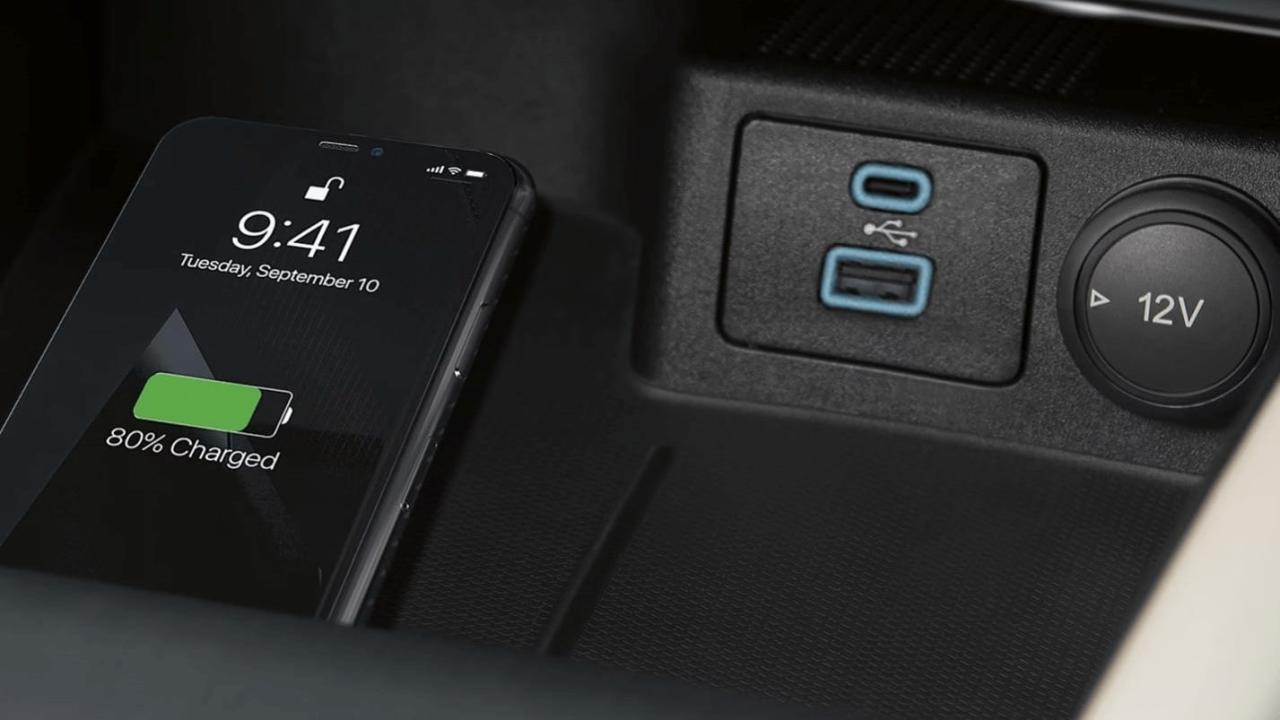
The promise of wireless charging was one of effortless minimalism a future where the tangled mess of cables on your nightstand would be replaced by a single, sleek slab. You would simply set down your phone, and like magic, it would power up. However, for many users, this utopian vision has been disrupted by a frustrating reality: wireless charging pads fail often. Whether it is a pad that stops working after a few months, charges intermittently, or refuses to function on a metal airplane tray table, the reliability of this technology often falls short of expectations.
The perception that wireless chargers are prone to early death isn’t entirely unfounded. While they eliminate the mechanical wear and tear of a physical charging port, they introduce a new set of vulnerabilities centered around heat, electromagnetic physics, and build quality . Understanding why wireless charging pads fail is the first step in diagnosing issues, selecting more durable products, and changing your habits to ensure your devices stand the test of time. This article delves deep into the science of failure, from the airport tray table nightmare to the silent, heat-induced degradation happening on your desk.
The Physics of Failure: Why Your Pad Stops Working
To understand why a wireless charger fails, one must first understand how it works. Most wireless chargers use a process called electromagnetic induction. A copper coil in the pad generates an alternating electromagnetic field when power is applied. When a compatible device is placed on the pad, a receiver coil in the phone converts that magnetic energy back into electrical current to charge the battery . This process, while convenient, is inherently less efficient than a wired connection. This inefficiency manifests as heat, and heat is the primary enemy of electronics.
A. The Prime Suspect: Thermal Stress and Overheating
The number one cause of wireless charger mortality is heat. Because energy is transferred wirelessly across an air gap, some of it is lost as heat. On average, wireless charging is only 70-80% efficient, compared to over 90% for a direct cable connection . The lost energy doesn’t just disappear; it turns into thermal energy within both the phone and the charging pad.
-
Component Degradation: Inside the charging pad, consistent exposure to high temperatures degrades components over time. The copper coil’s enamel insulation can crack, the capacitors can leak, and the solder joints on the printed circuit board (PCB) can develop microscopic fractures due to repeated expansion and contraction . This is often referred to as “thermal fatigue,” and it’s the silent killer of many budget-friendly pads.
-
Safety Shutdowns: To combat this, most Qi-certified chargers include thermal sensors. If the internal temperature exceeds a safe threshold (often around 65°C or 149°F), the charger will automatically shut down to prevent a fire hazard or damage to itself and your phone . If your pad stops working in the middle of the night or after a long charging session, it’s likely due to thermal throttling.
-
Environmental Factors: The environment where you use the charger matters immensely. Placing a charger on a soft surface like a bed, sofa, or carpet blocks ventilation and traps heat. Similarly, using it in a hot car or under direct sunlight pushes the internal temperatures past safe limits much faster .
B. The Unseen Threat: Coil Degradation and Misalignment
The physical integrity of the charging coil is vital. While there are no moving parts, the coil can still be damaged.
-
Physical Shock: Dropping the pad or placing heavy objects on top of it can deform the delicate copper windings. Even a slight deformation can alter the coil’s inductance, reducing its efficiency and causing it to run hotter .
-
Misalignment and Sweet Spots: Wireless charging requires relatively precise alignment between the pad’s coil and the phone’s coil. If you don’t place your phone on the “sweet spot,” the coupling efficiency drops dramatically. This forces the system to work harder to transfer the same amount of power, generating more heat in both devices. This is why some users experience intermittent charging or find that their phone charges extremely slowly . Magnetic systems like MagSafe and the new Qi2 standard solve this by snapping the phone into perfect alignment, reducing heat from misalignment .
C. Foreign Object Detection and Power Supply Issues
Modern wireless chargers are smart, but that intelligence can sometimes be a nuisance.
-
Foreign Object Detection (FOD): Qi chargers have a safety feature called Foreign Object Detection. If a piece of metal like a coin, key, or even the metal plate from a magnetic car mount is placed between the pad and the phone, the magnetic field can induce currents in that object, causing it to heat up dangerously. The FOD system detects the power loss caused by the foreign object and shuts down the charging process . While this is a safety feature, overly sensitive FOD can make it seem like the pad is broken when it is simply being cautious.
-
The Power Adapter Problem: A wireless charging pad is just a receiver; it needs a power adapter to function. Many people underestimate the importance of this adapter. Using an underpowered charger (like an old 5W phone brick) can cause the pad to malfunction, charge intermittently, or fail to initiate charging altogether . Furthermore, cheap, non-certified power adapters often provide unstable voltage, which can stress the delicate circuitry inside the charging pad and lead to premature failure .
 The Airplane Tray Table Conundrum: A Case Study in Environmental Failure
One of the most notorious environments for wireless charging failure is the commercial airplane cabin. Travelers frequently find their pads inert on metal tray tables, leading to the common misconception that their device is broken. In reality, this is a perfect storm of physics .
A. The Science of Eddy Currents
When a wireless charging pad is placed on a conductive metal surface, like an aluminum aircraft tray table, the magnetic field it generates induces circulating electrical currents in the metal. These are known as eddy currents. According to Lenz’s Law, these eddy currents create their own opposing magnetic field, which counteracts and weakens the field from the charging pad .
This interference does two things:
-
Reduces Coupling Efficiency: The magnetic link between the pad and the phone is severely weakened, meaning very little power gets through.
-
Generates Heat: The eddy currents flowing through the resistance of the metal tray generate heat (Joule heating).
Within seconds, the pad’s control circuit detects a massive drop in efficiency or a spike in coil temperature and triggers an automatic safety shutdown . The pad isn’t broken; it’s intelligently responding to an environment it was never designed to handle.
B. Why Standard Qi Certification Ignores Metal Surfaces
The Wireless Power Consortium (WPC), which governs the Qi standard, does not require pads to function on conductive surfaces. Certification tests are performed on non-conductive, low-thermal-mass materials like acrylic or wood. Therefore, even a high-end $100 charger can fail instantly on an airplane tray because its thermal sensors and FOD algorithms aren’t calibrated for a massive aluminum heat sink .
C. Verified Solutions for Travel
Instead of blaming the hardware, frequent flyers can optimize the system by introducing a barrier. A 3-5mm layer of non-conductive material between the pad and the tray dramatically reduces eddy currents . Based on real-world flight tests, here are actionable steps:
-
A. Pack an Insulator: Carry a thin piece of cork (like a cut-up wine stopper), a silicone baking mat, or a folded microfiber cloth.
-
B. Deploy First: Place the insulator on the tray table before you put down the charging pad.
-
C. Center the Pad: Ensure the pad is fully supported on the insulator with no overhang.
-
D. Align Your Phone: Carefully center your phone on the pad.
-
E. Monitor Initialization: Watch for the charging light to stay solid. If it blinks and stops, adjust slightly.
Durability Showdown: Wireless Pads vs. Cable Charging
When considering longevity, it’s useful to compare wireless pads directly with their wired counterparts. They fail in fundamentally different ways .
A. Failure Modes: Mechanical vs. Thermal
-
Cable Charging: Cables die from mechanical stress. The constant bending, twisting, and yanking cause microfractures in the internal wires, particularly near the connector strain relief. Frayed cables and loose connections are the norm .
-
Wireless Charging: Pads die from thermal stress and electronic component failure. They don’t suffer from plug/unplug wear, but the consistent heat cycles degrade the internal circuitry .
B. Lifespan Comparison Data
Real-world data shows that the longevity gap narrows significantly when comparing premium products.
| Charging Method | Avg. Lifespan (Years) | Main Cause of Failure |
|---|---|---|
| Budget Wireless Pad | 1.4 | Overheating, circuit burnout |
| Mid-Range Wireless Pad | 1.9 | Intermittent charging, heat damage |
| Premium Wireless Pad | 2.7 | Minor efficiency loss, rare failure |
| High-Quality Wired Cable | 3.1 | Frayed wires, bent connectors |
While a cheap wireless pad might die faster than a cheap cable, a high-quality wireless charger can last just as long, if not longer, than a standard cable. The key difference is repairability: a failed cable is cheap and easy to replace, whereas a failed pad usually means buying a whole new unit.
Common Failure Scenarios and How to Fix Them
Experiencing a failure doesn’t always mean the device is dead. Often, it’s a specific issue that can be diagnosed.
Scenario 1: The “Blinking Light of Death”
-
Symptom: The pad’s LED blinks, but the phone doesn’t charge.
-
Cause: This often indicates a foreign object detection issue, a misalignment problem, or a thermal shutdown. Sony, for example, notes that a blinking red/orange light on their accessories indicates the temperature is too high and charging has stopped to protect the battery .
-
Fix: Remove the phone and any case. Check the pad for dust, coins, or keys. Let the pad cool down for 15-20 minutes. Unplug the pad from power for 60 seconds to reset the system, then plug it back in and try again .
Scenario 2: Slow or Intermittent Charging
-
Symptom: The phone shows it’s charging, but it gains battery very slowly or stops and starts repeatedly.
-
Cause: Misalignment is the most common culprit. A thick phone case (especially ones with magnets, stands, or grips) can also physically separate the coils, reducing efficiency .
-
Fix: Remove the phone case. Place the phone on the pad carefully, watching for the “fast charging” indicator (if your phone supports it). You may need to find the exact sweet spot. Samsung advises checking that your device is placed directly in the center of the pad without any obstructions .
Scenario 3: Pad Works, Then Suddenly Stops
-
Symptom: The pad charges for 20-30 minutes and then quits. Reseating the phone temporarily fixes it.
-
Cause: This is a classic symptom of heat buildup. The charger works until its internal temperature hits the limit, then shuts down. Once it cools slightly (and you reset it by lifting the phone), it works again for a short while . This was a specific complaint about the Mophie Dual Wireless Charging Pad, where one side would fail after about 30 minutes due to inadequate thermal management .
-
Fix: Move the charger to a cooler, more ventilated area. Ensure it’s on a hard surface. If the problem persists, the internal thermal sensor or circuitry may be permanently damaged.
Best Practices to Extend the Life of Your Wireless Charger
You don’t have to accept a short lifespan for your charging gear. By treating your wireless pad like the precision electronic device it is, you can significantly extend its useful life.
A. The “Do’s” of Wireless Charging Maintenance
-
Invest in Certified Quality: Always choose chargers that are Qi-certified or meet the new Qi2 standard. Certification ensures the device meets safety and interoperability standards set by the WPC. Look for reputable brands like Anker, Belkin, Samsung, and officially certified third-party vendors .
-
Use the Right Power Brick: Use the adapter that came with the pad, or ensure your third-party adapter meets or exceeds the power requirements (wattage/amperage) of the pad. A 10W pad needs a brick that can deliver 10W .
-
Keep It Cool and Clean: Place the charger on a hard, flat, and well-ventilated surface. Wipe the pad down weekly with a dry microfiber cloth to remove dust and debris that can insulate heat .
-
Mind the Case: Remove thick, bulky, or magnetically-mounted cases before charging. This reduces the gap between the coils and prevents the system from overheating trying to bridge the distance .
-
Unplug When Not in Use: If you’re going on vacation or won’t be using the pad for an extended period, unplug it. This eliminates standby power draw and prevents minor electrical stress on the components .
 B. The “Don’ts” to Avoid Premature Failure
-
Don’t Ignore Heat: If your charger is consistently hot to the touch, troubleshoot the cause immediately. It is a sign that something is wrong.
-
Don’t Charge on Metal Surfaces: Avoid placing wireless pads directly on metal desks, filing cabinets, or, as discussed, airplane trays .
-
Don’t Place Metal Objects on the Pad: Keys, coins, and cards (especially RFID cards) should never be left on an active charging pad. It can damage the cards and cause the charger to overheat .
-
Don’t Yank Cables: Even though the pad itself has no moving parts, the power cable does. Pull the plug from the wall, not the cord, to avoid damaging the connection to the pad .
Conclusion
The notion that wireless charging pads fail often is a complex issue rooted in physics, environment, and user habits. While they are susceptible to heat-related degradation and can be confounded by metal surfaces and poor power sources, they are not inherently fragile. By understanding the enemies of wireless charging heat, misalignment, and low-quality components you can make informed choices.
Invest in certified products, provide them with a proper environment, and be mindful of how you use them. In return, a good wireless charger can provide years of reliable, cable-free power, making the convenience worth the initial effort to understand its limitations.