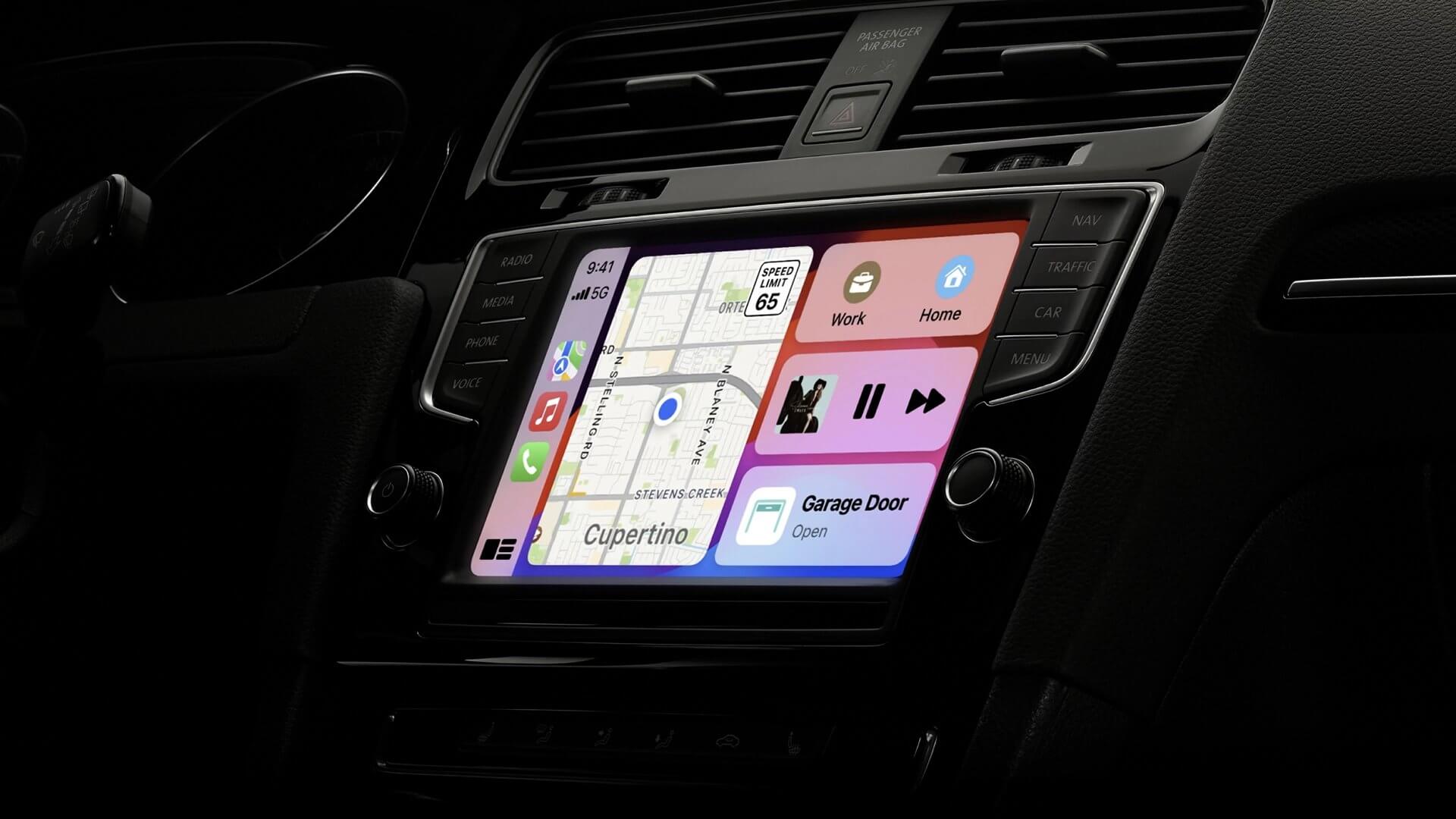
In the modern digital landscape, software is the invisible engine powering our lives. From the smartphones in our pockets and the laptops on our desks to the smart televisions in our living rooms and the infotainment systems in our cars, code is ubiquitous. Ideally, this code should function seamlessly, enhancing our productivity and entertainment without drawing attention to itself. However, there is one recurring digital ritual that consistently drags this background engine into the spotlight: the software update. What is intended by developers as a gift of improved security and new features is often perceived by users as an intrusive chore. The frustration surrounding software updates is a global phenomenon, a unique form of technological annoyance that bridges the gap between generations and operating systems. To understand why a simple notification “Update available” can evoke such a strong negative reaction, we must delve into the psychology of user experience, the economics of development cycles, and the persistent friction between human intention and machine timing.
A. The Cardinal Sin: Poor Timing and Loss of Autonomy
Perhaps the most visceral source of frustration stems from the sheer inconvenience of an update’s timing. In an ideal world, updates would install themselves at 3:00 AM when the device is idle. In reality, they often announce their urgency with a full-screen prompt just as a user is rushing to catch a flight, about to start a critical presentation, or settling in to watch the climax of a movie.
This issue is magnified by the “forced restart” culture adopted by many operating systems. A user may click “Remind me later” repeatedly, only to return to their computer after a coffee break to find it has rebooted anyway, closing all unsaved work and browser tabs. This represents a fundamental loss of user autonomy. The machine, which is supposed to be a tool obedient to human command, suddenly asserts its own agenda. For the user, this isn’t just an inconvenience; it feels like a violation of ownership. The message being sent is clear: “The manufacturer’s schedule is more important than yours.” This interruption of workflow is not just a momentary pause; it is a cognitive reset that can take minutes to recover from, costing knowledge workers significant time and mental energy.
B. The Black Hole of Uncertainty: Lengthy Installation Times
Closely related to the issue of timing is the duration of the update process itself. In an age of instant gratification where information travels at the speed of light, software updates remain stubbornly slow. The user is often presented with a progress bar that moves with agonizing sluggishness, frequently getting stuck at a specific percentage (99% being a notorious culprit) for an indeterminate period.
The lack of transparent communication during this process exacerbates the frustration. A message stating, “Updating… this may take a while,” offers no useful information. Users are left wondering: Is it 10 seconds or 10 minutes? Is the computer frozen, or is it working? This uncertainty creates a unique form of digital purgatory where the user cannot fully commit to another task because they are waiting for the machine to be ready. For those with older hardware, the problem is cyclical: newer software is optimized for newer hardware, meaning the update that promises to improve performance ironically renders older devices temporarily—and sometimes permanently—slower.
C. The Unwanted Facelift: Navigating a New Interface
Perhaps the most deceptive frustration is the one that occurs after the installation is complete. The user, having already sacrificed their time and endured the wait, finally boots up the system, only to find that the interface has been completely rearranged. This phenomenon, often referred to as “UI churn,” is a significant pain point.
Software developers update interfaces to modernize aesthetics or streamline workflows, but what they perceive as “improvement,” the user often perceives as “disorientation.” The “Start Menu” that was second nature is now hidden. The settings option that was always in the top right corner is now buried in a hamburger menu on the left. This forces the user to relearn how to interact with a tool they once used on autopilot. The cognitive load required to navigate a familiar program that now looks unfamiliar is exhausting. Instead of feeling like an upgrade, it feels like someone broke into the house and moved all the furniture. For the average user, the utility of a device is tied directly to its predictability, and updates that prioritize aesthetic changes over functional consistency break that trust.
D. The Storage Space Invaders: Bloated Files
Another common point of friction is the sheer size of modern updates. A smartphone notification might cheerfully announce an exciting new feature, but the fine print reveals that the update requires 5GB of free space. For users with entry-level devices that have limited storage, this creates a logistical nightmare. They are forced to play a game of digital Tetris, deleting precious photos, clearing cached data from apps, and uninstalling unused programs just to free up enough space to install the update that is supposedly essential for the phone’s health.
Furthermore, the concept of “bloatware” remains a significant annoyance. Users often discover that a major update has reinstalled manufacturer-sponsored apps or games that they had previously deleted. This overreach by manufacturers feels intrusive and disrespects the user’s desire to curate their own digital environment. The device becomes cluttered with software the user never asked for, consuming both storage space and system resources.
 E. The Performance Paradox: Fix One Thing, Break Another
There is a dark humor in the software development world that goes, “An update is a collection of bug fixes and new bugs.” From the user’s perspective, this is the most disheartening outcome. They invest time and trust in an update that promises to “improve system stability,” only to find that their printer no longer connects, their favorite peripheral is rendered useless, or the battery life is halved overnight.
This phenomenon, often called “regression,” occurs when the new code introduced to patch a vulnerability conflicts with existing drivers or software. The frustration is compounded because the issue is often irreversible; rolling back to a previous version of the software can be technically complex or impossible. The user is left with a device that functions worse than it did before the “improvement.” This creates a sense of skepticism and distrust toward future update notifications. When the update cycle becomes synonymous with breaking things, users will actively avoid it, leaving their systems vulnerable to the very security risks the updates were meant to fix.
F. The Data Connection Dilemma: Background Bandwidth Drain
For users with limited or metered internet connections, updates represent a hidden financial cost. Modern operating systems and applications are often configured to download updates automatically in the background. While this is convenient for those with unlimited fiber optic plans, it is disastrous for users relying on mobile hotspot data or capped satellite internet.
A user might suddenly receive a text message from their internet service provider informing them they have reached their data cap, only to discover that their gaming console or PC downloaded a 50GB game update overnight. This “bill shock” is a major source of anger. Even when automatic downloads are turned off, the constant nagging to connect to Wi-Fi to download a large file creates a low-level anxiety for the user who is trying to conserve their data. The device essentially becomes a liability, threatening to incur real-world financial penalties if left unattended.
G. The Security Paradox: Forced Updates vs. User Choice
From a developer’s perspective, updates are non-negotiable for security. Companies like Microsoft and Apple push updates aggressively to patch zero-day exploits and protect users from malware. While the intention is noble, the execution often feels authoritarian. The “update or else” ultimatum where a device will eventually refuse to function unless the latest software is installed strips the user of choice.
A savvy user might look at the update notes and decide they don’t need the new emojis and would rather wait until the initial bugs of a new OS version are ironed out. However, modern systems often make this impossible, forcing users to become involuntary beta testers. When a user is forced to update and subsequently encounters a critical bug that hinders their work, the anger is directed not at the hackers the update was protecting against, but at the manufacturer who forced the change.
H. The Authentication Loop: Two-Factor Headaches
In an effort to increase security, many updates now require re-authentication of accounts or the re-entry of passwords and two-factor authentication (2FA) codes. While this is a necessary security measure, the timing often leads to lockouts.
A common scenario involves a user updating their phone’s operating system. Upon restart, the phone requires the Apple ID or Google account password to verify the user. However, if the user has 2FA enabled, the verification code might be sent to that very phone, which they cannot access because they are locked out. This circular dependency traps the user, forcing them to go to a computer, reset passwords, and navigate a maze of security questions just to get back into their own device. The update, intended to secure the device, has effectively become a barrier to entry.
I. The Workflow Disruption: App Incompatibility
For professionals, a device is a tool for a job. Musicians, video editors, and business professionals rely on a stable ecosystem of software. A major operating system update can shatter this ecosystem overnight.
There are countless stories of studios losing money because a macOS update broke compatibility with their mixing software, or businesses being unable to invoice clients because an update rendered their accounting software inoperable. While the OS developer might blame the third-party app developer for not updating their code quickly enough, the user is caught in the middle. They are left with an expensive device that is suddenly useless for its primary purpose. This forces many professionals to stay several versions behind on their OS, which eventually leads to security vulnerabilities. The desire for a stable workflow directly contradicts the pressure to maintain a current system.
J. The Illusion of Consent: Opt-Out Difficulties
Finally, the frustration is cemented by the sheer difficulty of controlling the update process. The settings menus designed to stop updates are often buried deep within the system, and even when disabled, updates have a way of re-enabling themselves after a system restart. The “Express Settings” or “Recommended Settings” buttons during installation often include permission for data collection or the installation of partner software that the user does not want.
This creates an environment of digital distrust. The user feels they are in a constant battle with their own device, trying to preserve their settings and bandwidth against an opponent (the OS) that has administrator privileges. When a user deliberately opts out of an update and the system installs it anyway, it crosses the line from software maintenance to digital trespassing.
 Conclusion
The frustration surrounding software updates is not a result of user laziness or a resistance to progress. It is the result of a fundamental disconnect between the priorities of the developer and the priorities of the user. Developers focus on security patches, feature parity, and the reduction of support tickets by keeping everyone on the latest version. Users, on the other hand, focus on workflow, predictability, and the immediate utility of their device.
To bridge this gap, the tech industry must move toward a model of empathy. Updates need to be smaller, faster, and installable in the background without coercion. User interfaces must respect the muscle memory of the user, and release notes must be transparent about known issues. Until the digital handshake between the machine and the human is based on respect for the user’s time and autonomy, the notification badge on the settings app will remain a symbol of dread rather than a welcome mat for improvement. The ultimate goal of technology should be to serve the user, and an update that makes the user feel like a servant has fundamentally failed its purpose.